

How it works
Three moves. Then you run the day.
You set the week, you brief the people who are in it, and the day stays in one hub — news, chat, calendar, tasks, briefings, and pack lists together. Sign in with your crew account to open the hub. Email invites and share links are coming soon — use Contact if you need a person.
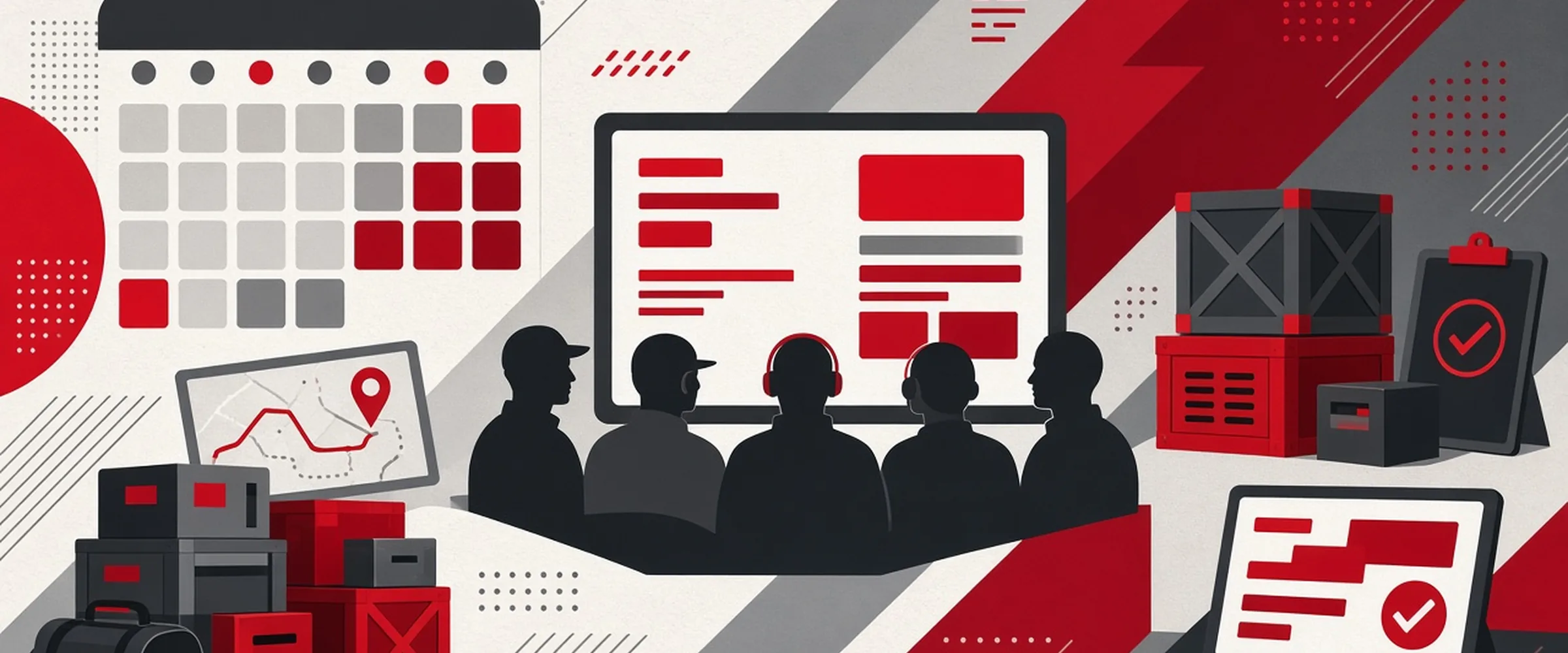
Set the week
Create the race, the festival, or the wedding. Put days, stages, or rooms on the calendar so the shape of the week is visible before anyone travels. Assign early tasks to the people who will actually be there.
Brief and pack
Write the briefing once so the crew reads the same note. Check the pack list in the shop, the venue office, or the studio. Tasks keep a name on them — nothing anonymous on race day, doors, or ceremony call.
Run it
Chat and news stay on that week, not scattered across personal threads. Sign in with your crew account to open that desk; some hub screens are still being connected. Email invites and share links are coming soon — use Contact if you need a person.

What the desk holds
Motorsport holds race week for the service crew. Events holds gate, stage, and production for the weekend. Weddings holds timeline, vendors, rooms, and the day team for the celebration. Vector Plan is the crew desk for that week.